PixelsFX UI/UX Prototype & Brand Integration

PixelsFX UI/UX Prototype & Brand Integration

For the PixelsFX Studio website redesign and branding integration project, I developed high-fidelity UI mockups and a functional HTML prototype to demonstrate the proposed user experience and interactive functionality. The prototype showcased elements such as dropdown navigation menus, interactive components, and content organization without representing a full-scale responsive website development project.

By combining modern UI/UX principles, visual brand integration, and front-end prototyping, I created a cohesive digital concept designed to showcase the studio’s capabilities across motion graphics, print design, and other creative services. This case study demonstrates how strategic web design, interactive prototyping, and brand alignment can translate a creative portfolio into a more engaging and client-focused digital experience.


My Role:

Information Architecture, Moodboards, Wireframes, UI Mockups, Prototyping


Tools:

Sketch, After Effects, Photoshop


Client:

Pixelsfx Studios

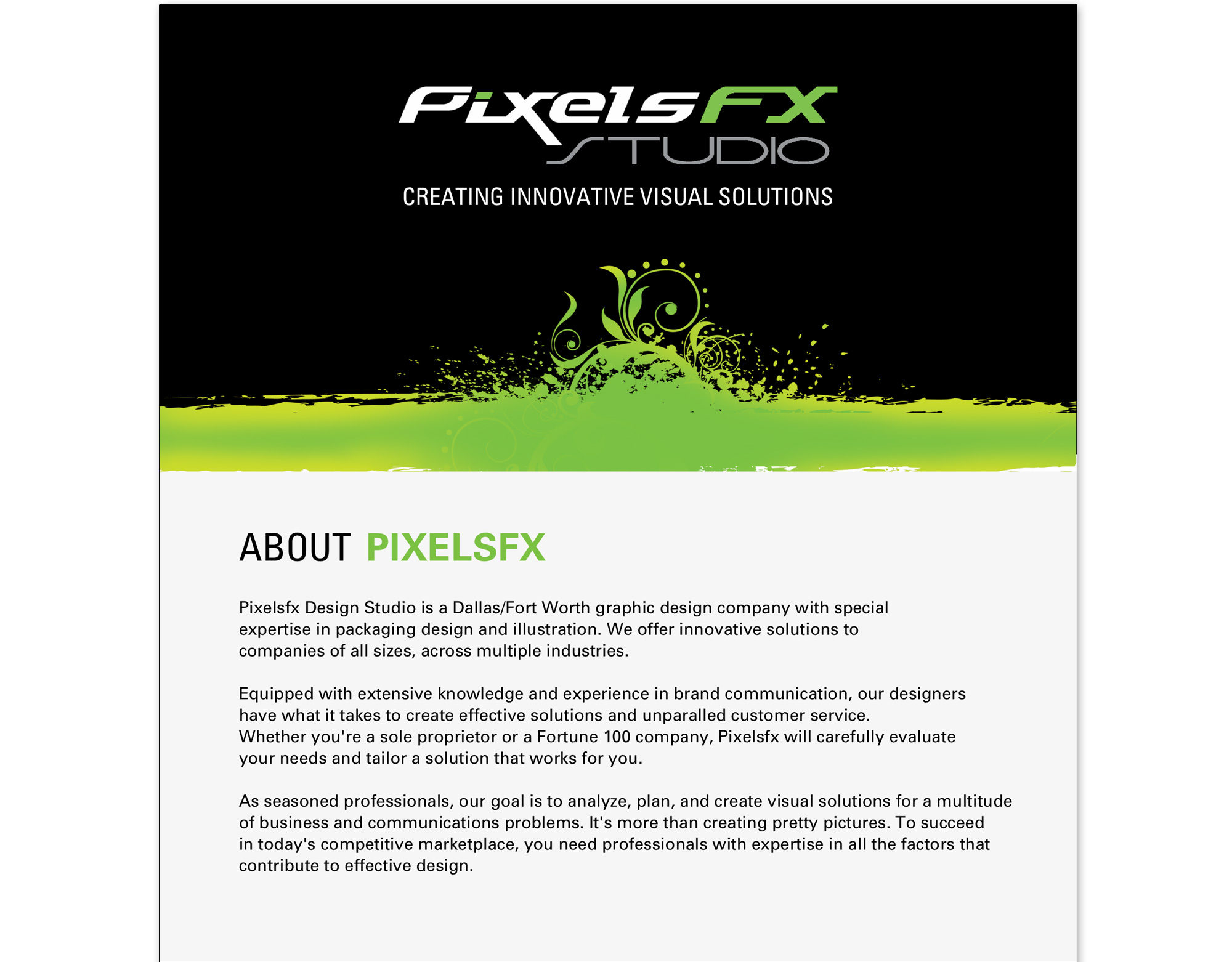
Green vector graphic design banner featuring Creating Innovative Visual Solutions tag for PixelsFX digital brand identity web development.

Moodboard

The color scheme of the site was already determined by the guidelines of the Pixelsfx brand. Therefore, I utilized the moodboard to explore different visual ideas for hero banners, navigation and page design.
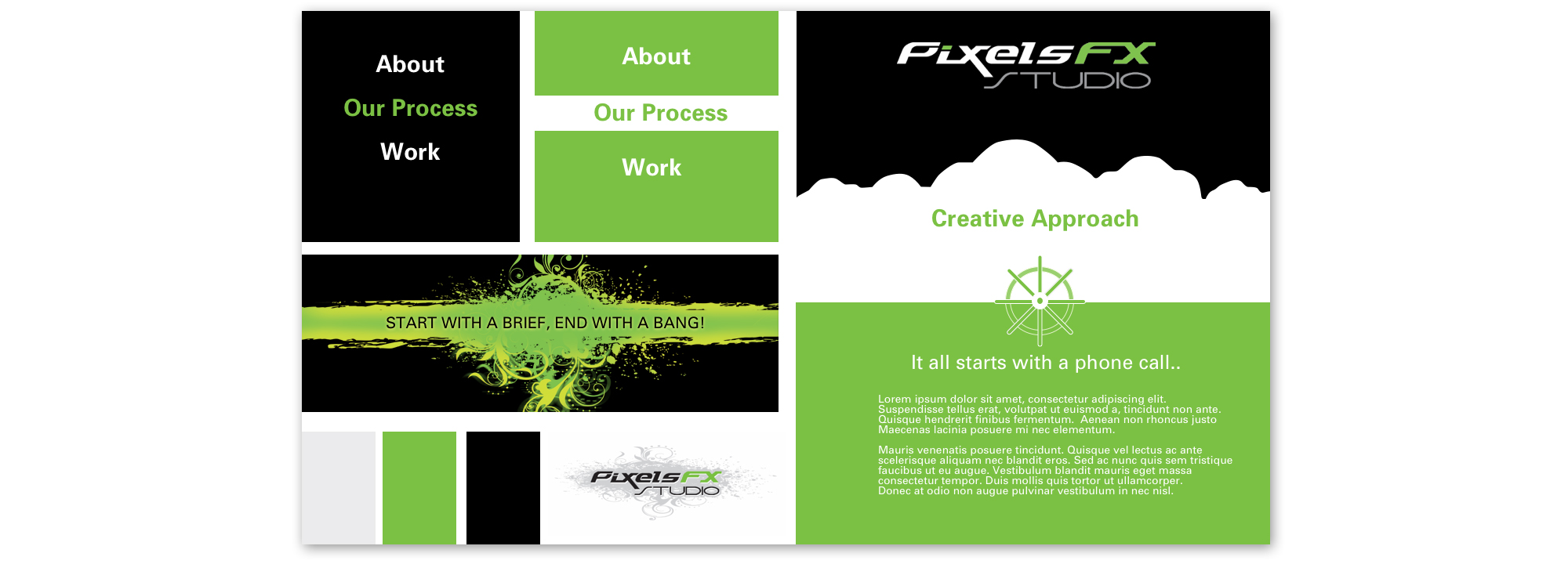
UI UX concept moodboard illustrating navigation hierarchy, color palette, and layout structure for a studio website redesign.

Wireframes

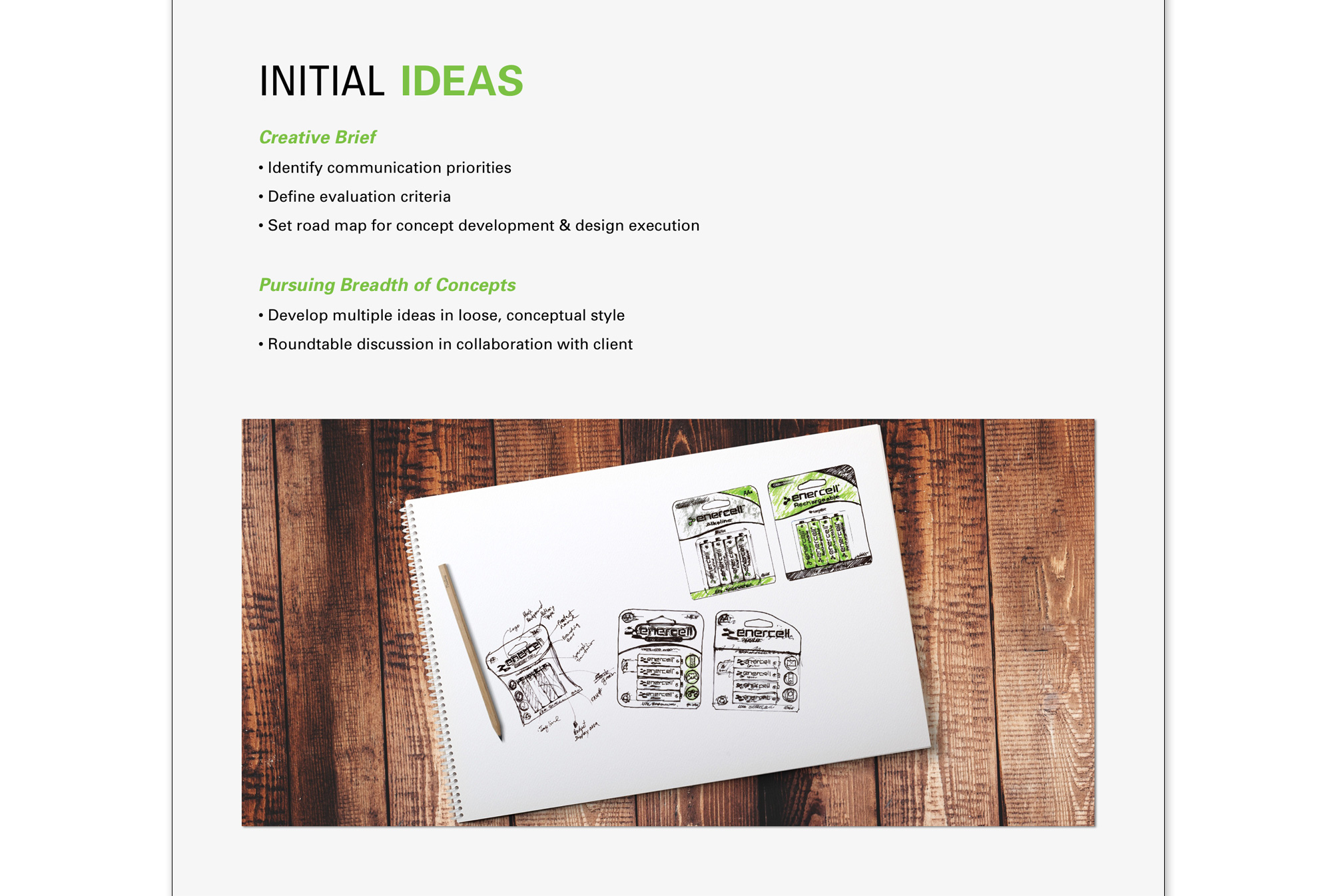
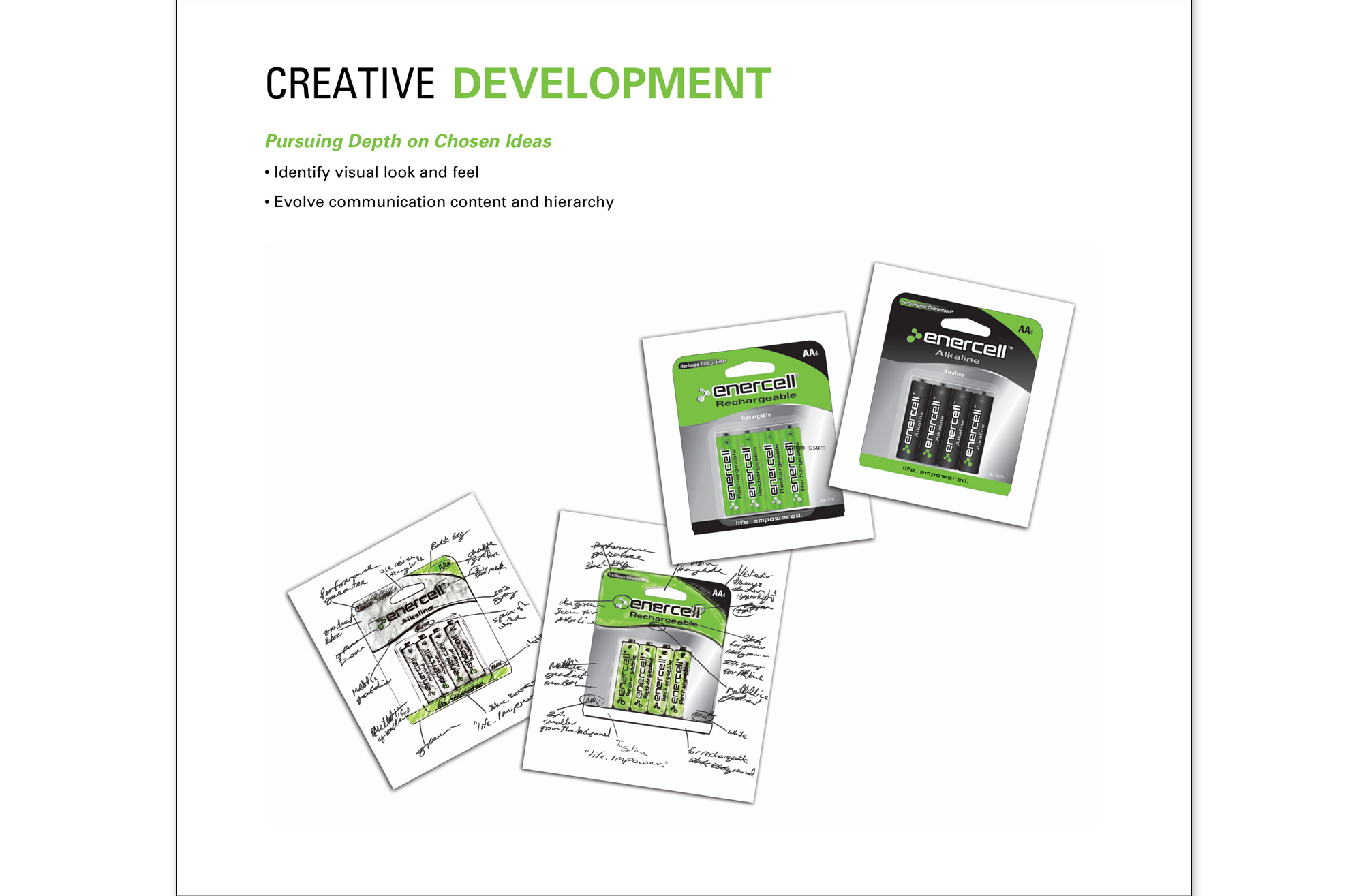
The next step of the design process was to ponder different layout options via rough pencil sketches.
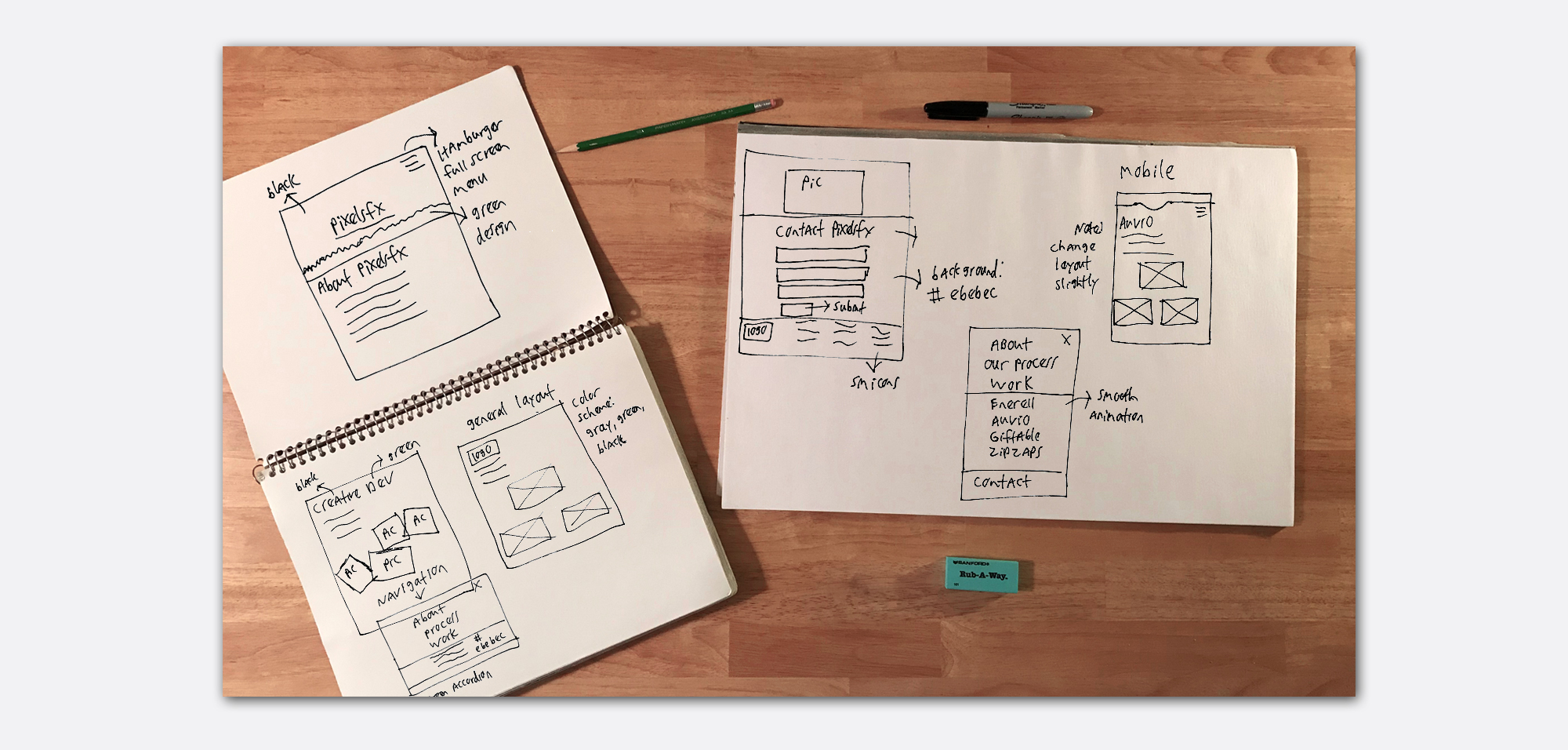
Overhead view of hand-drawn mobile wireframe sketches and site navigation concepts in notebooks with pencils on a wooden desk.

User Interface Mockups

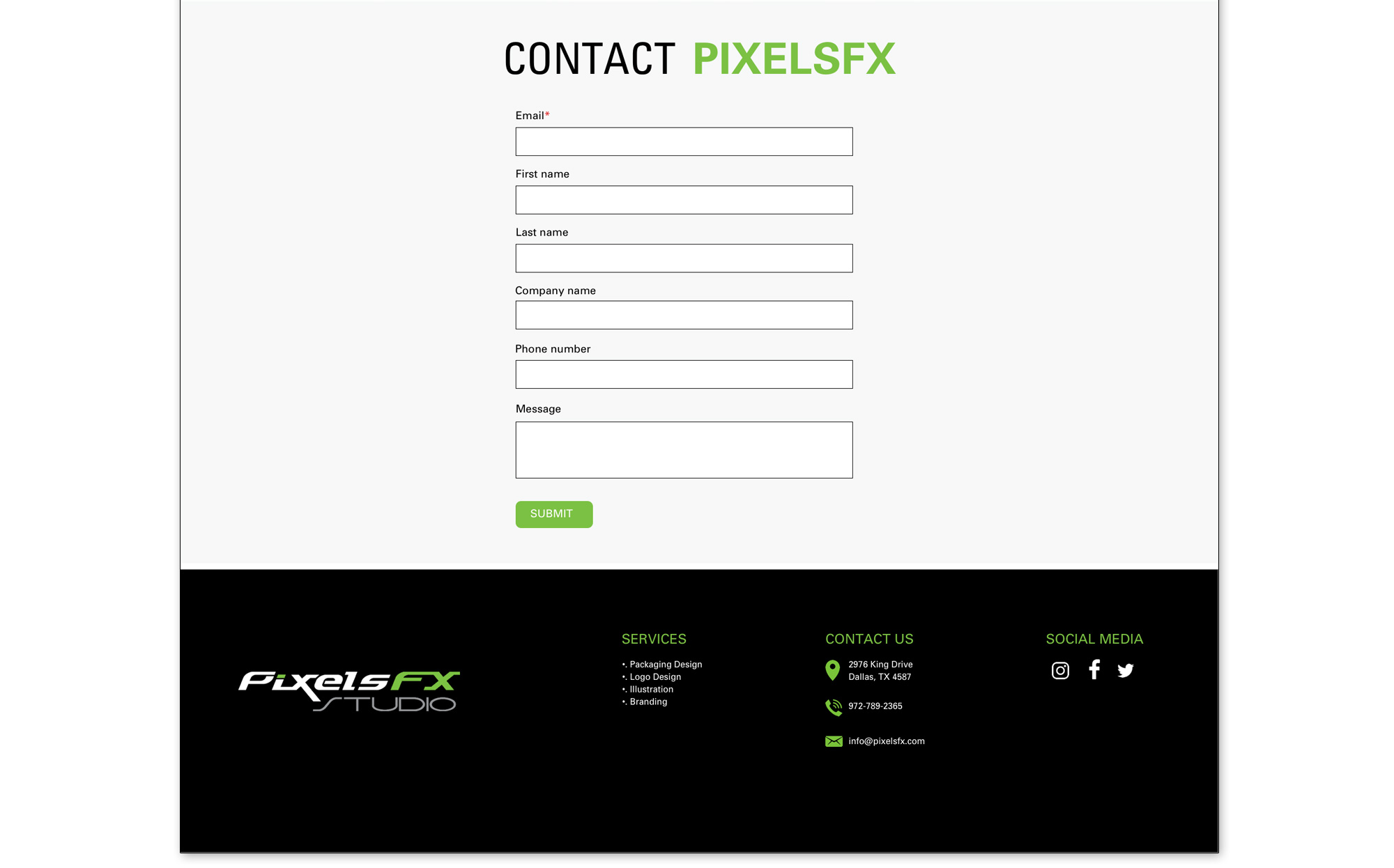
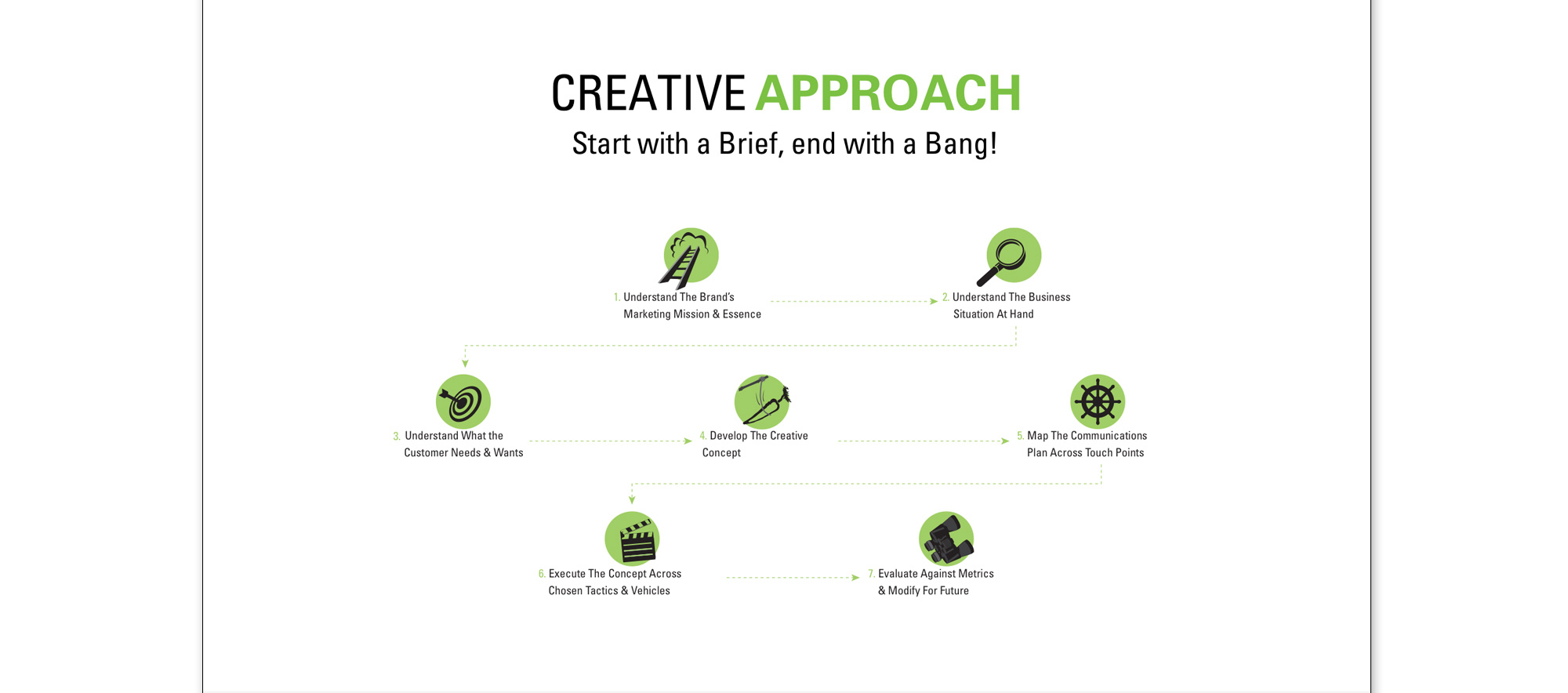
Once the sketches and initial ideas were approved, I fired up Sketch and began working on pixel-perfect renderings of the low fi designs.
UI Animation

In order to demonstrate the functionality of the fullscreen overlay menu, I created an animated gif to make my ideas clear to the client. After Effects was my tool of choice for the animated visualization.
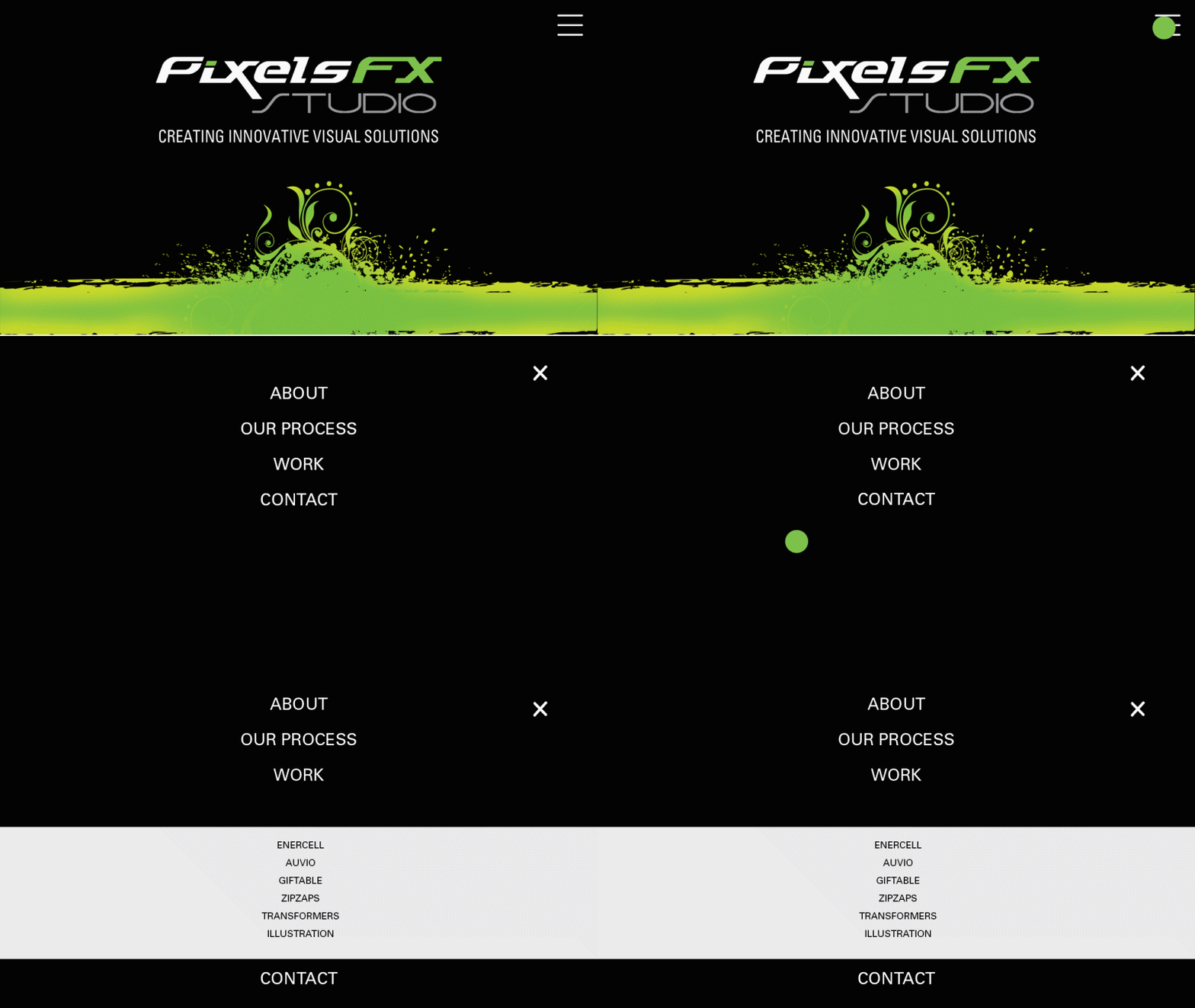
Interactive navigation menu animation demo for PixelsFX Studio website showing sleek UI transition effects.

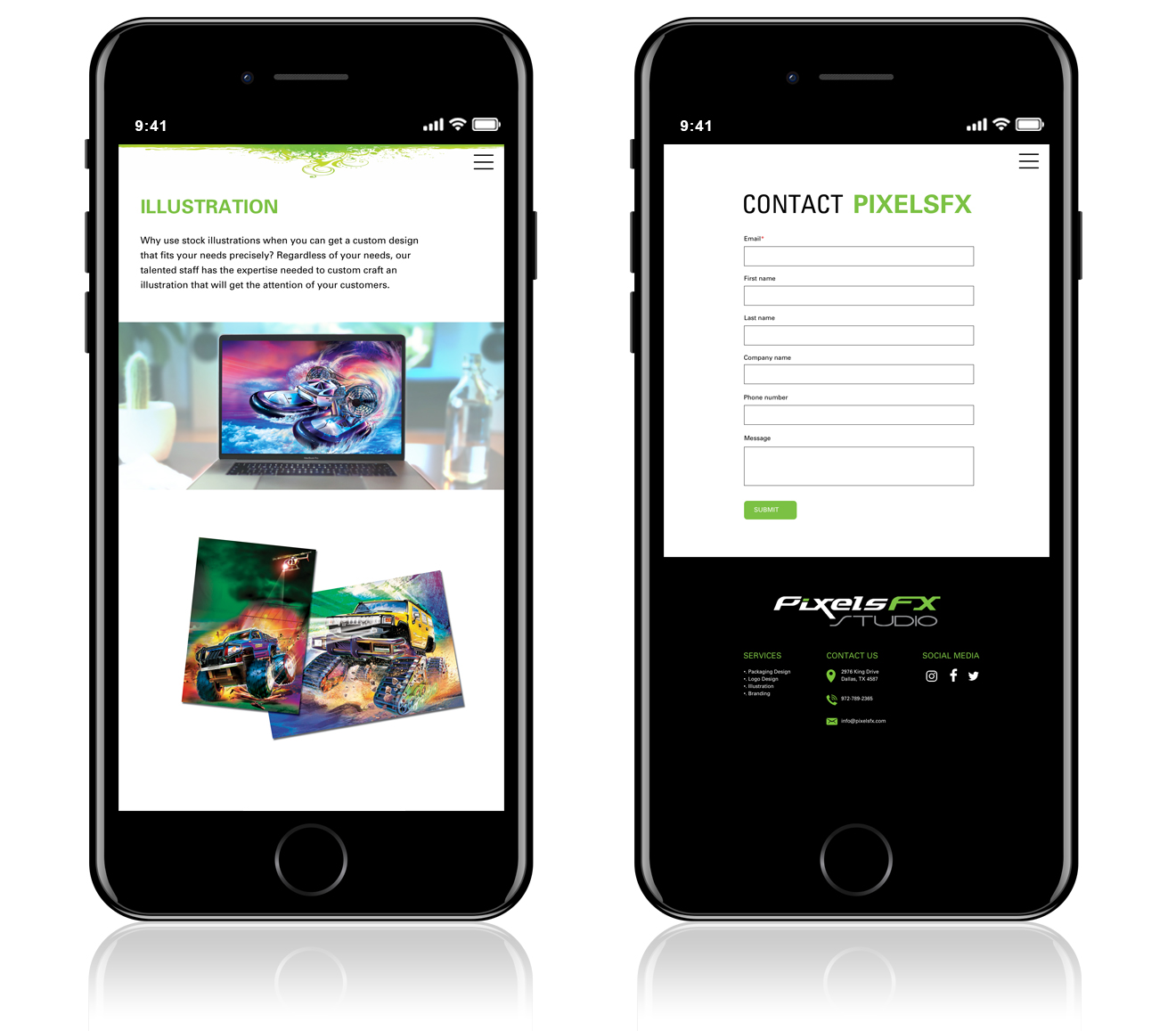
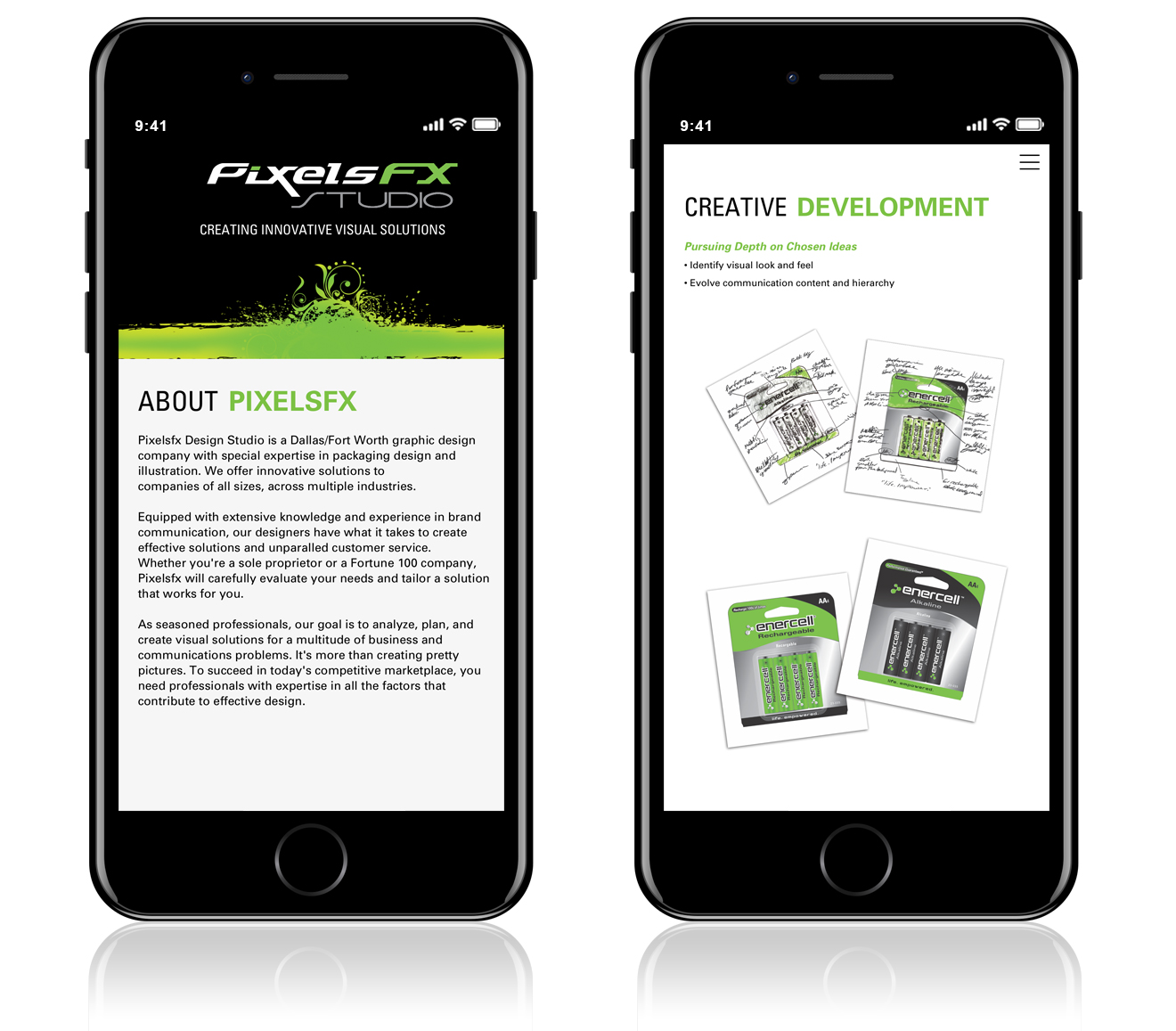
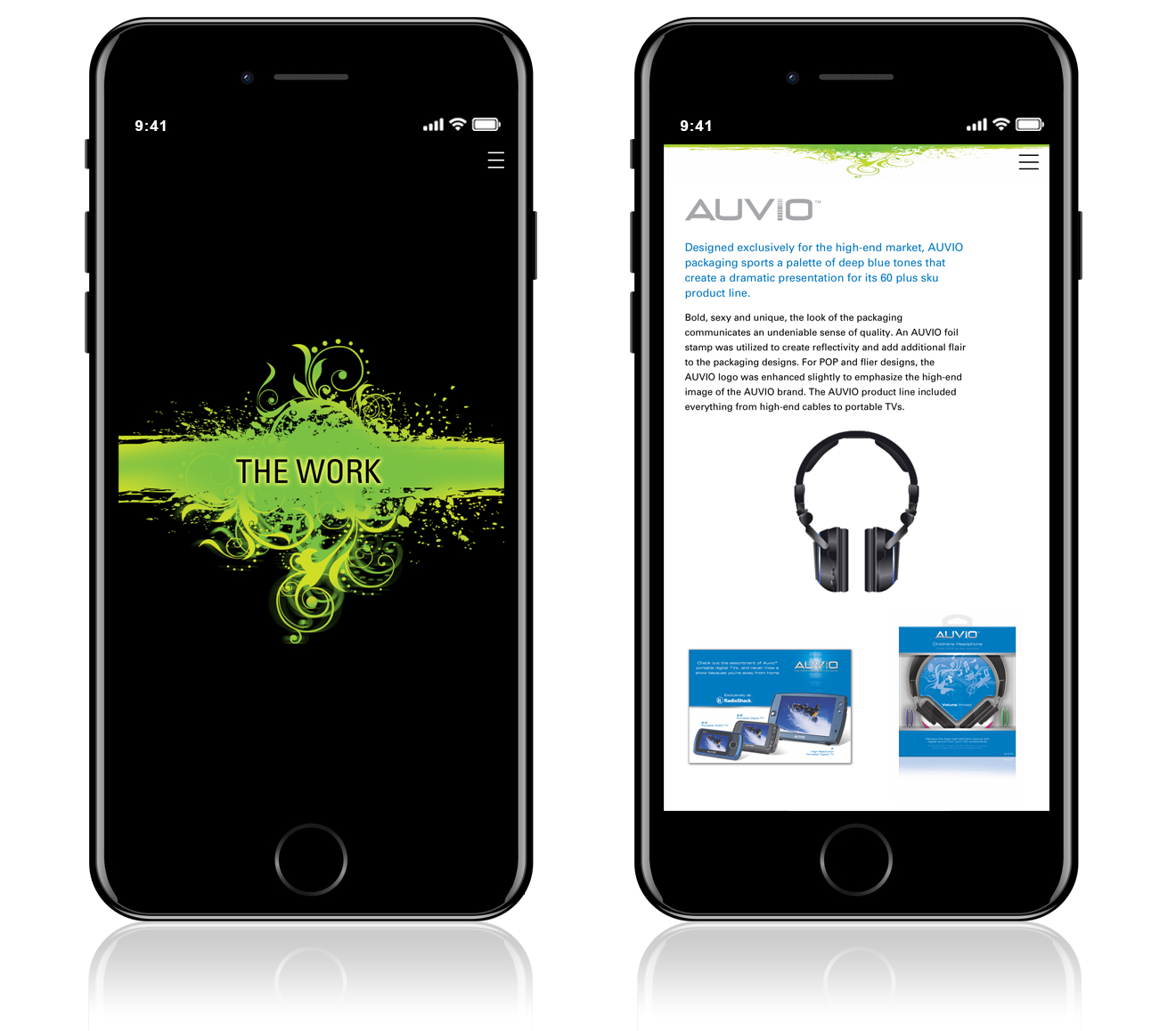
Mobile Concepts

In order to demonstrate the functionality of the fullscreen overlay menu, I created an animated gif to make my ideas clear to the client. After Effects was my tool of choice for the animated visualization.
Live Prototype

My final task was to create a live prototype via HTML and CSS.

VIEW LIVE PROTOTYPE